
Schulte Table Online
Grid size
Tap in order, train your scan
A Schulte table scatters digits 1 through N across a grid—you tap them in ascending order as fast as you can. This site runs on the home page with 3×3 to 7×7 sizes, a live timer, mistake tracking, and focus-style analysis, with history kept on your device—no account or install.
Find 1, then keep scanning
Locate 1 first, then use soft peripheral vision to spot the next target instead of reading every cell. Keep hand or cursor paths short and steady.
A wrong tap adds to the error count and flashes the frame; finish the round to read average reaction time and long pauses in the side panel, then try another grid size.
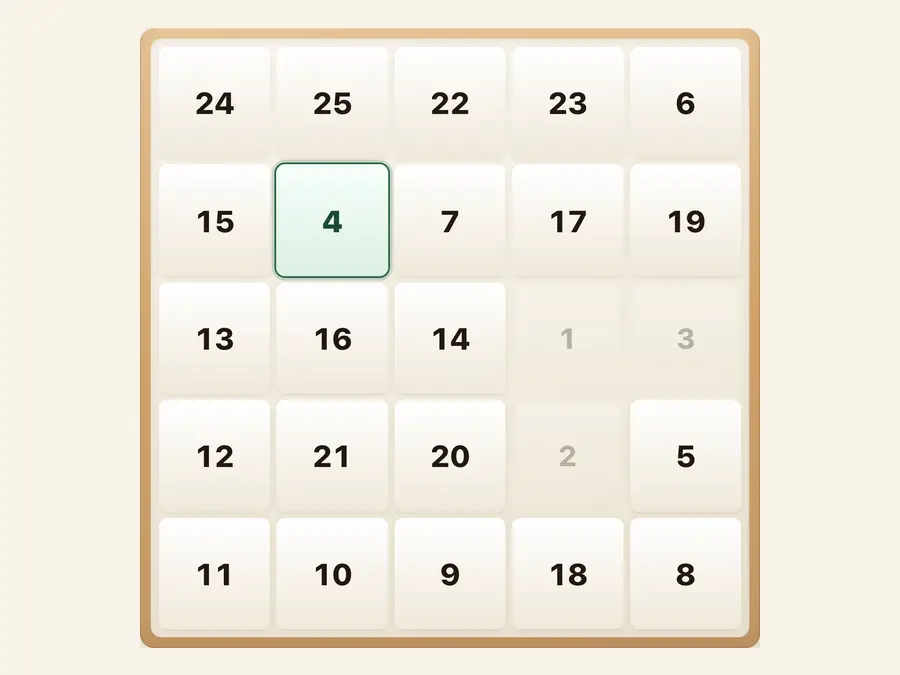
Train on the home page
Land on a live number grid. Time and progress sit in the header; sizes from 3×3 to 7×7 sit under the board, with stats and analysis in the side panel.
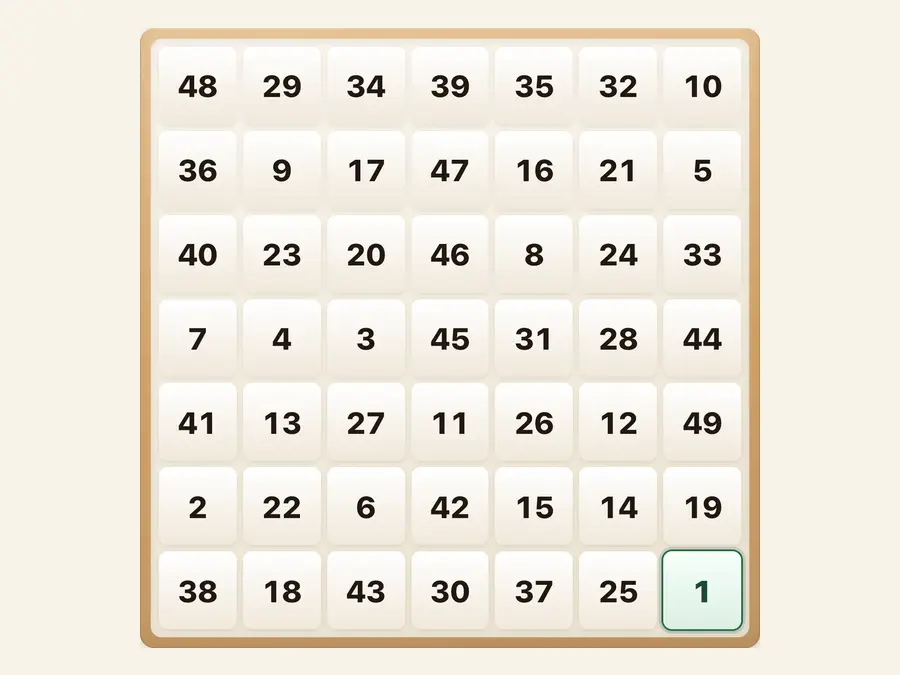
Starter through expert sizes
3×3 warms you up, 5×5 is the everyday default, 7×7 stretches search distance. Changing size reshuffles digits so you can compare runs at the same level.
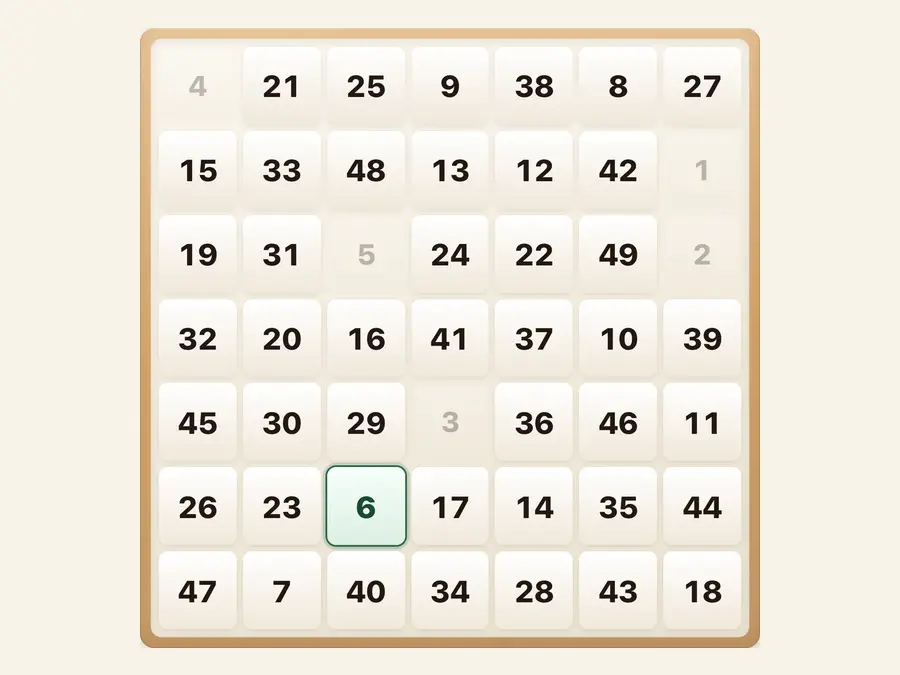
History stays on your device
Best times per size, recent runs, and short focus notes live in browser storage on this device. Clearing site data resets them; the privacy page explains server-side logging.
3×3–7×7grid sizes
Timerfrom first tap
Analysistap rhythm
Localpersonal bests
Common questions
How do I play a Schulte table?
Digits 1 through N are shuffled on the grid. Tap 1, then 2, up to N. The timer starts on your first correct tap on 1; the round ends when N is tapped.
What happens if I tap the wrong number?
The frame flashes, the error counter increases, and you keep hunting for the current target—digits do not auto-advance on a mistake. Tap New for a fresh shuffle.
Which grid size should I use?
Pick 3×3 through 7×7 under the board. Larger grids mean longer visual searches. Many players start at 5×5, then try smaller or larger sizes for comparison.
What does the side-panel analysis mean?
After a run you see average tap spacing, long pauses, and a simple rating. It is practice feedback, not a medical or formal cognitive test.
Where are personal bests stored?
Best times and recent summaries per size are saved in this browser’s local storage. They do not sync when you switch devices or clear site data.
Do I need an account or app install?
No account is required—open the URL and train. Adding the site to your home screen is optional; everything works in a normal tab.
